



 SMS Tracker
  Phone Call Tracker
  WhatsApp Tracker
  Browser History
  Phone Location Tracker
  Call Recorder
  Keylogger for Windows


MoniMaster Support: Monitor devices with others' permission.
Kitten videos and cat videos are back on top of Instagram Reels, TikTok, and YouTube Shorts — but this time, they’ve evolved. With AI stepping into the spotlight, your ordinary house cat can instantly transform into a cosmic explorer, a melodramatic soap-opera star, or a chaotic meme legend. Thanks to next-genAI cat video generators, your pet can go viral without ever leaving the couch.
AI cat videos aren't just cute kitten content anymore; they’re a new form of storytelling. And the best part? You don’t need a camera, a studio, or a patient cat. All you need is one photo and the right AI model. Below, we’ll show you the most advanced AI tools that support creating AI cat videos — starting with the easiest and most powerful option.
Content
- Part 1. AI Cat Videos & The Rise of “AI Cats Meow”
- Part 2. Best AI Cat Video Generators in 2025
- Part 3. How to Create an AI Cat Video with MoniMaster Video
- Part 4. Extra Tips for Better Prompts
- Part 5. FAQ
AI Cat Videos and the Rise of “AI Cats Meow”
Social media is exploding with exaggerated, dramatic, and delightfully weird animal edits. TikTok creators are posting kitten videos like “existential crisis cats,” “angry chef cats,” “sad poetry cats,” and even “gym bro cats.” Instagram Reels loves dreamy, aesthetic feline animations with sparkles, soft lighting, and cottagecore cats baking bread.
This trend is built on a simple formula:
Your cat + AI emotions + dramatic situation = instant viral gold.
So… how do you make an AI cat video and kitten video like this?
The Best AI Cat Video Generators in 2025
1 MoniMaster Video — The Easiest Way to Create Top AI Cat Videos
MoniMaster Video is your all-in-one AI cat video generator — and the fastest way to turn your furball into a TikTok or Reels superstar.
MoniMaster combines multiple top-tier AI video models — Veo 3, Sora, Vidu, Kling, Nano Banana — giving you unmatched flexibility, higher quality, and more expressive animations. While other tools rely on a single model, MoniMaster lets you explore all the newest AI models in the same platform.
- ⚡Powered by Elite AI Models: Veo 3 Pro, Sora, Vidu, Kling, Nano Banana — working together for insane quality and lightning-fast results.
- 🎨Image → Video, Instantly: Turn your cat photo into a cinematic clip with ready-made templates.
- 📝Text-to-Video Magic: Type your idea and let AI build the entire video for you.
- ⏩Extend Any Video: Stretch scenes smoothly with AI-powered extension.
- 🚀Fast, Fun, Creator-Ready: Perfect for TikTok, Instagram Reels, YouTube Shorts, or meme pages.

How to Make an AI Cat Video with MoniMaster Video
Step 1. Upload Your Cat Photo
Go to Image-to-Video inside MoniMaster Video and upload your cat’s picture.

Step 2. Choose AI Model and add prompt
Select your preferred AI video model, input your funny or dramatic cat prompt, adjust settings, and click Create.

Step 3. Review, Refine & Download
Preview your AI-generated cat video. Make tweaks if needed, then download instantly — ready for TikTok, Reels, Shorts, or sharing with friends.
2 Google Veo 3 – Cinematic Realism for Emotional Cat Videos

Veo 3 is ideal for hyper-realistic fur details, expressive eyes, dramatic lighting, and smooth cinematic motion. Perfect for videos like a cat in neon Tokyo rain or slow-motion superhero jumps.
In MoniMaster Video, you can also try VEO 3 for free!
Make AI Generated Video
Secure Visit
3Runway Gen-3 — Aesthetic, Artsy Instagram Cat Videos
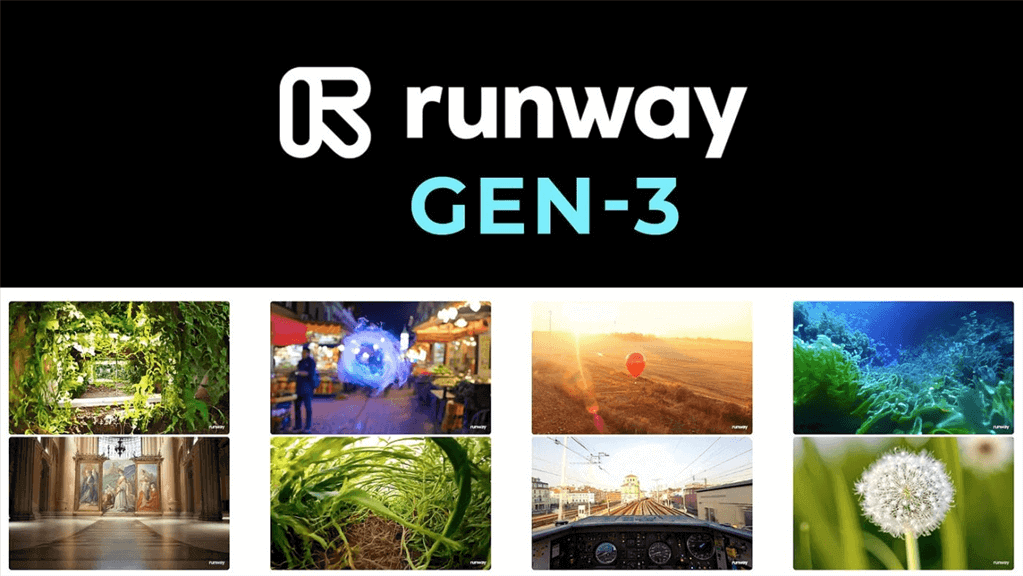
If you want cottagecore cats, pastel dreamscapes, watercolor styles, or fashion-model cats walking a runway, Runway Gen-3 is unbeatable in stylized visuals.
4Pika — Fast, Chaotic, Meme-Style TikTok Cat Clips

Pika is great for energetic “zoomie cats,” chaotic humor, exaggerated animations, and short-form viral content. It’s the go-to for TikTok meme creators.
Extra Tips for Better AI Cat Prompts
- Use emotional cues: “existential,” “chaotic,” “grumpy philosopher cat.”
- Add setting: “in outer space,” “dramatic kitchen meltdown,” “noir detective alley.”
- Include camera style: “cinematic lighting,” “anime motion lines,” “slow-mo hero shot.”
FAQ
No. The above AI cat video generators including MoniMaster Video is built for beginners and pros. One photo to instant AI cat video.
You get access to Veo 3, Sora, Vidu, Kling, Nano Banana, and more — all in one place.
Yes, as long as content follows platform guidelines. AI cat videos are currently trending massively.
Final Thoughts
Why just watch viral cat videos when your own furball could steal the spotlight? With MoniMaster Video, you get every major new AI model in one platform — no juggling apps, no complex tools, just instant chaotic feline magic.
Upload a pic, pick a vibe, and boom: your cat becomes a space warrior, a drama queen, a kung-fu master, or the unbothered meme icon they were born to be.
Try for Free
Secure Visit





