


 SMS Tracker
  Phone Call Tracker
  WhatsApp Tracker
  Browser History
  Phone Location Tracker
  Call Recorder
  Keylogger for Windows

Free Hailuo AI Video Generator: Turn Text/Image to Video
With our AI video generator powered by the Hailuo AI model, effortlessly transform text or images into high-quality videos. Turn any creative idea into captivating video clips with cinematic motion—instantly.
Free Try Hailuo AI Now Image
Image  Prompt
  Hailuo 2.3
 Click to upload an image
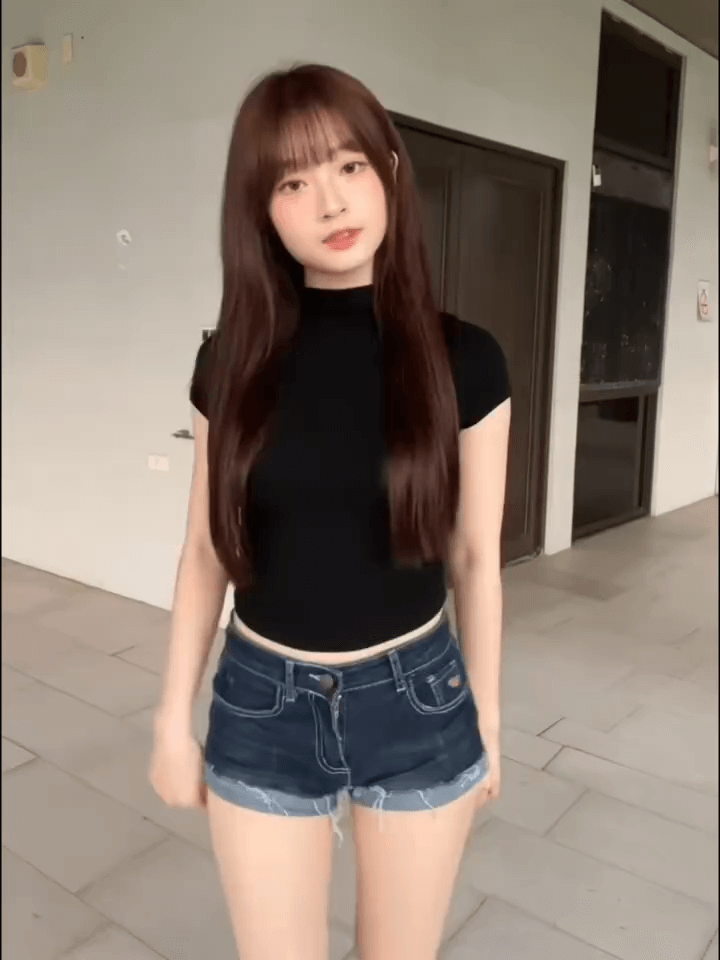
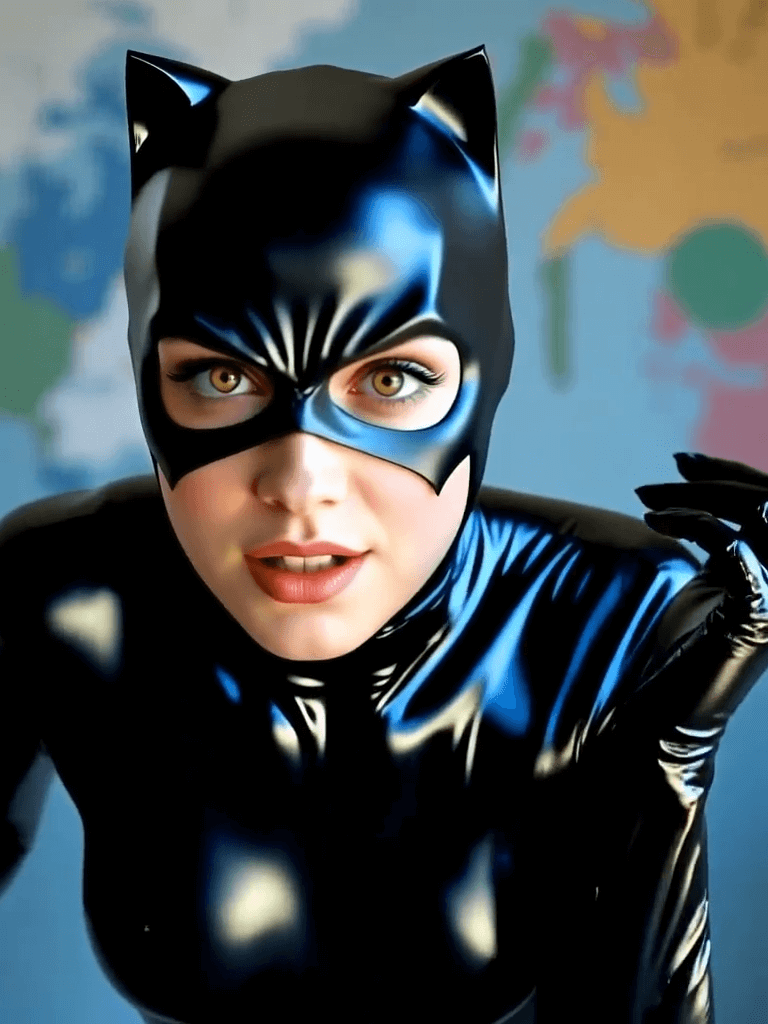
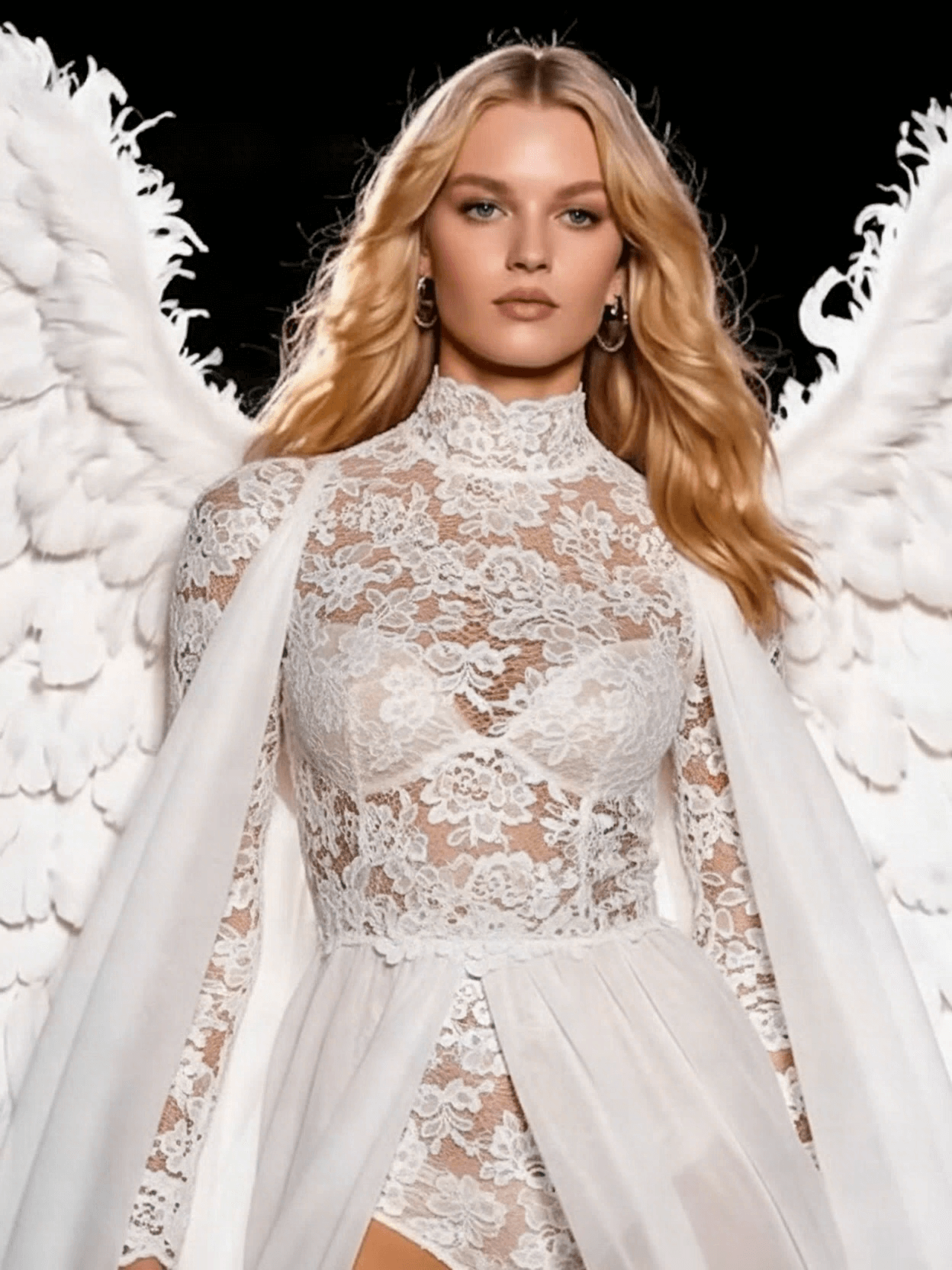
Get AI Video Inspiration for Hailuo AI
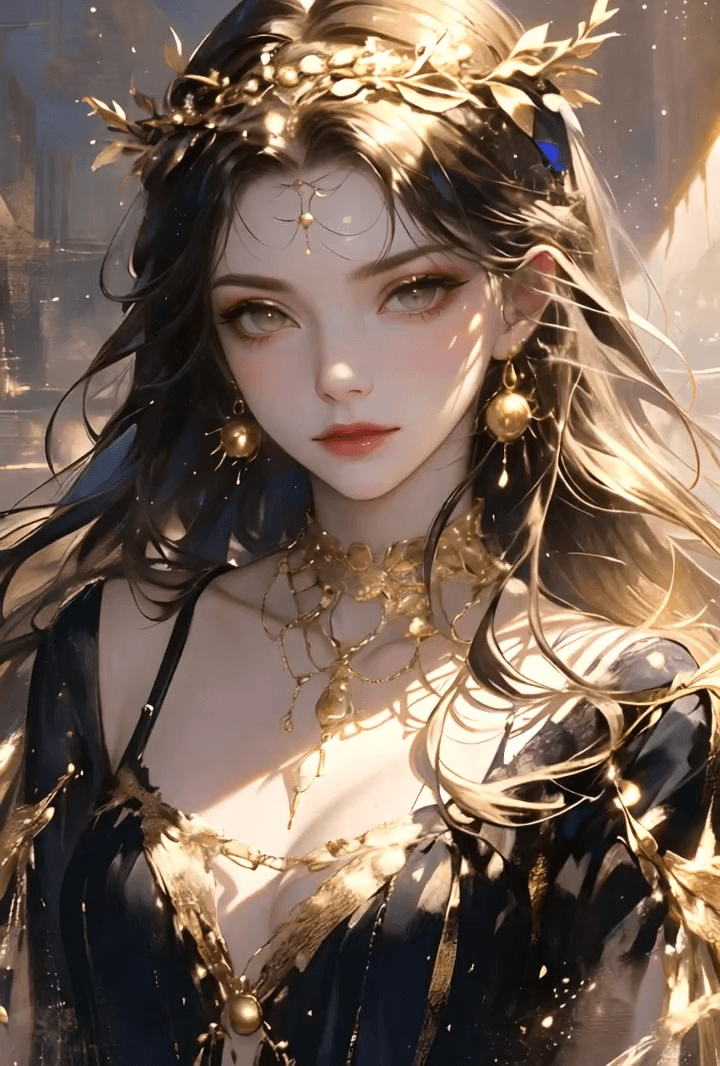
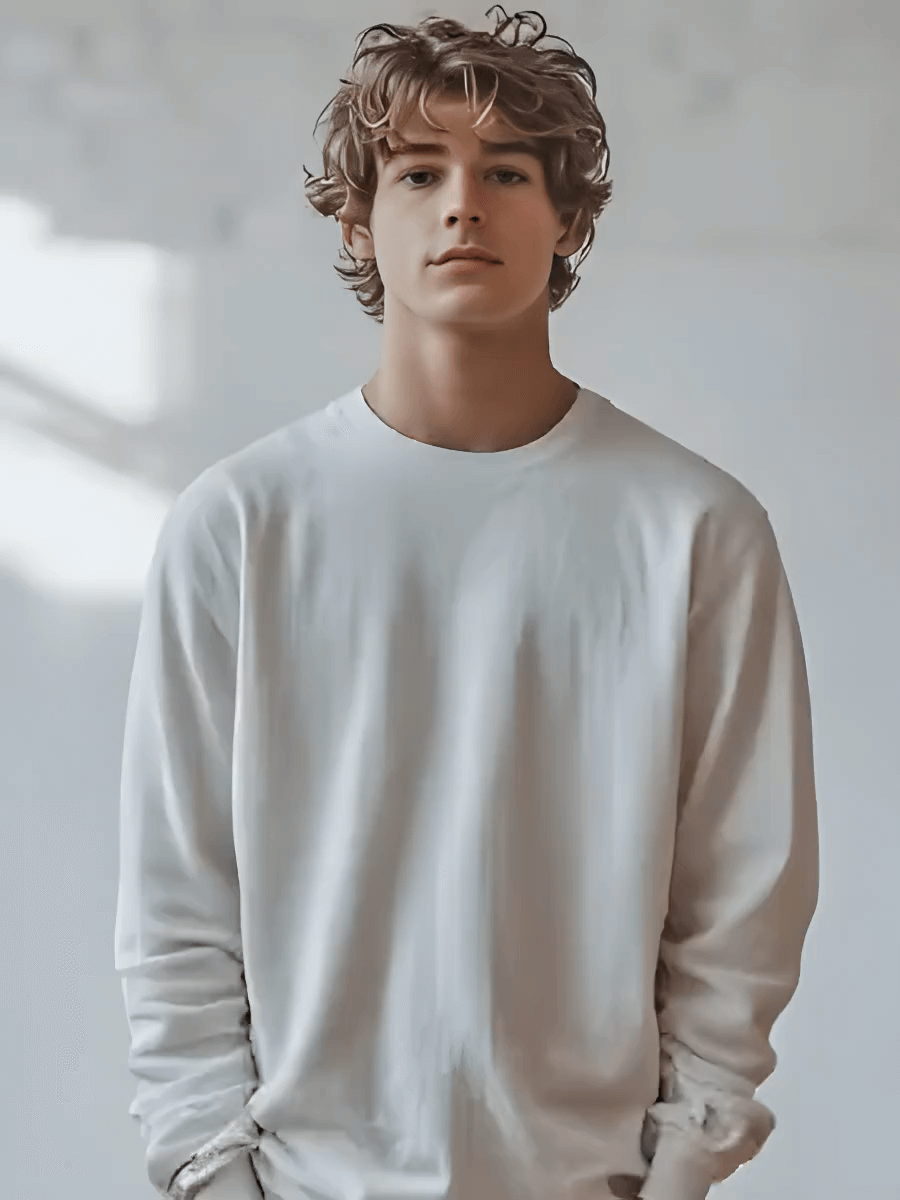
Discover what Hailuo AI can create in MoniMaster Video—choose your style and generate personalized videos instantly
How to Use Hailuo AI in MoniMaster Video
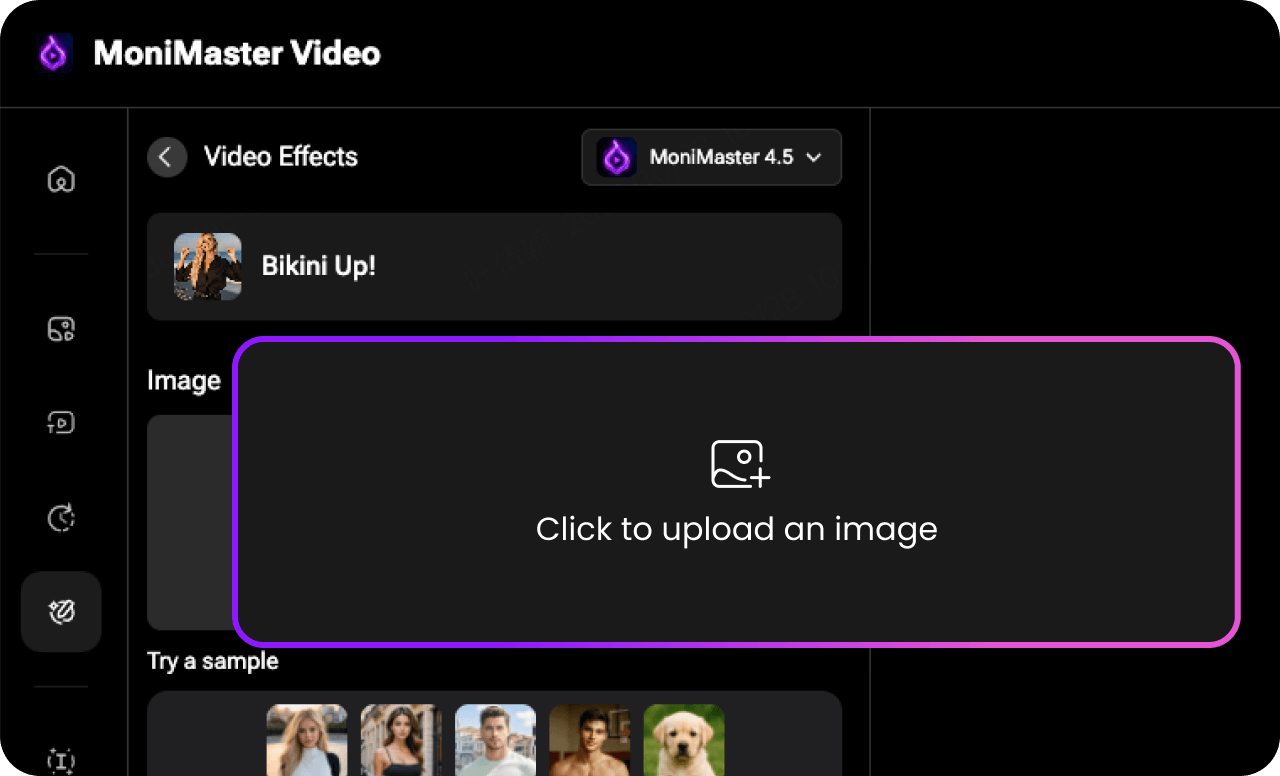
Choose Hailuo in the model list. Start by uploading an image/video or typing your text description.
Choose style, duration, advanced settings, and animation effects to match your desired output.
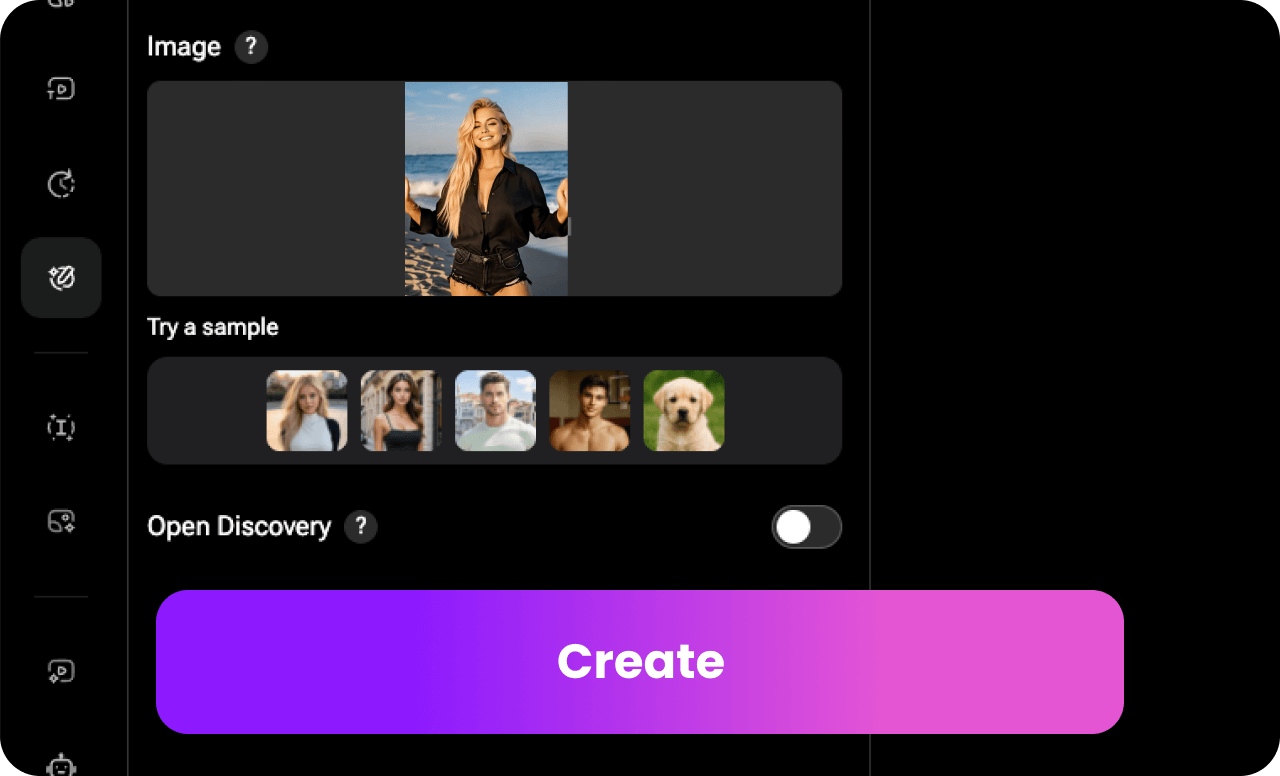
Click "Generate" and let AI transform your input into a realistic video. Review and save it in HD.
Why Choose Hailuo AI in MoniMaster Video

All videos are generated securely with no storage or tracking, ensuring complete confidentiality.

Optimized Hailuo AI in MoniMaster Video is engineered to deliver smooth, reliable performance and exceptional output quality across advanced AI video models.

MoniMaster with Hailuo AI supports text-to-video, image-to-video and more hot video templates to fit different video generation needs.

Access multiple AI video models, including VEO 3, Sora, and Kling, to create diverse AI videos on a single platform.

New users receive free credits to try Hailuo AI in MoniMaster Video.
Explore More Interaction Templates and Effects
FAQs for Hailuo AI in MoniMaster
-
1. What is Hailuo AI in MoniMaster Video?
 Hailuo AI is an advanced video generation model integrated into MoniMaster Video. As part of our AI video generator, Hailuo AI helps users transform text or images into high-quality, cinematic videos with smooth motion and realistic visuals.
 -
2. How does the Hailuo AI video generator work? The Hailuo AI video generator analyzes your text prompts or uploaded images and automatically generates dynamic video scenes. With MoniMaster Video, you can choose Hailuo as your preferred model to create visually engaging AI videos in just a few seconds.
-
3. What types of videos can I create with Hailuo AI? Using Hailuo AI in MoniMaster Video, you can create a wide range of videos, including cinematic clips, creative storytelling videos, promotional content, and social media visuals. The Hailuo model is especially known for its smooth motion and expressive visual style.
-
4. Is Hailuo AI suitable for beginners using an AI video generator? Yes. MoniMaster Video is designed to be beginner-friendly, even when using advanced models like Hailuo AI. You don’t need any video editing experience—simply enter a prompt, select the Hailuo model, and let the AI video generator handle the rest.
-
5. Why choose Hailuo AI over other AI video models? Hailuo AI stands out for its cinematic motion quality and strong visual consistency. In MoniMaster Video, users can easily compare Hailuo with other AI video generator models and choose the one that best fits their creative needs and video style.




