From their first phone to more independence. A little understanding can make a meaningful difference.
Start with a conversation
01 Their first phone
A little guidance. A confident first step.
A first phone opens up a new world. Use insights into messages and supported social activity to talk about new contacts, kind communication, and the boundaries you agree on together.
School, clubs, and time with friends are part of growing up. Review location history and set geofences around familiar places to support your family’s check-in routine.
Get to know the content that catches their attention. Browsing and supported YouTube and TikTok activity can help you discuss what they watch and shape thoughtful family habits.
Choose an Android parental control app with a clear understanding of how it fits your family.
Check compatibility first
Confirm support for your child’s device and the apps you want to supervise before choosing a plan.
Understand what affects updates
Available data depends on supported apps, permissions, device settings, and internet connectivity.
Keep the conversation open
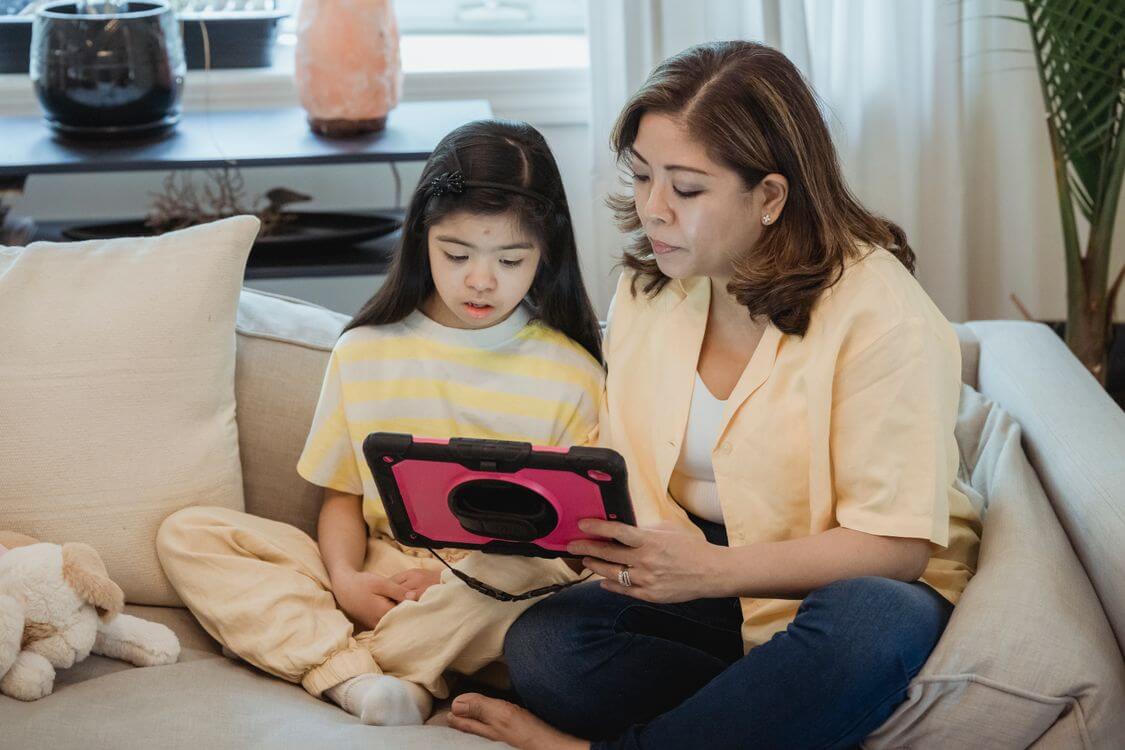
Explain what you’ll review and why. Agree on age-appropriate boundaries and revisit them as your child grows.
Android Parental Control App FAQs
A few practical answers before you take the next step.
How do I choose the best parental control app for Android?
Start with your child’s age and your family’s needs. Compare device compatibility, supported features, setup requirements, and subscription costs. Explore the demo and review the privacy policy before choosing a plan.
Do I need access to my child’s phone?
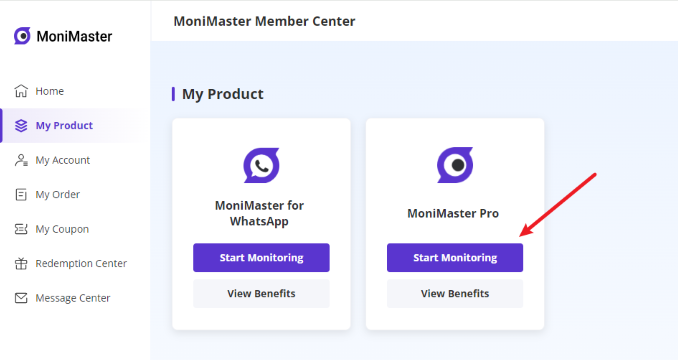
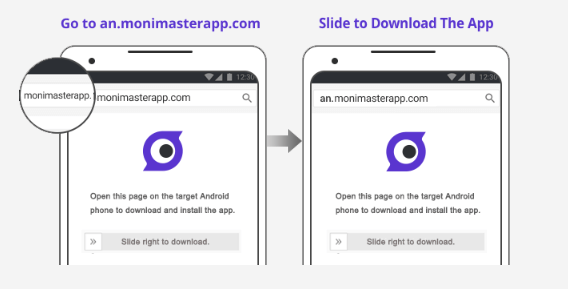
Yes. You need physical access to your child’s Android phone for the initial installation and permission setup. Follow the official setup guide and explain the supervision plan to your child.
Does MoniMaster Pro require rooting?
According to MoniMaster’s product documentation, rooting is not required. Check device and feature compatibility with the support team before purchasing.
Can I review activity from my own phone?
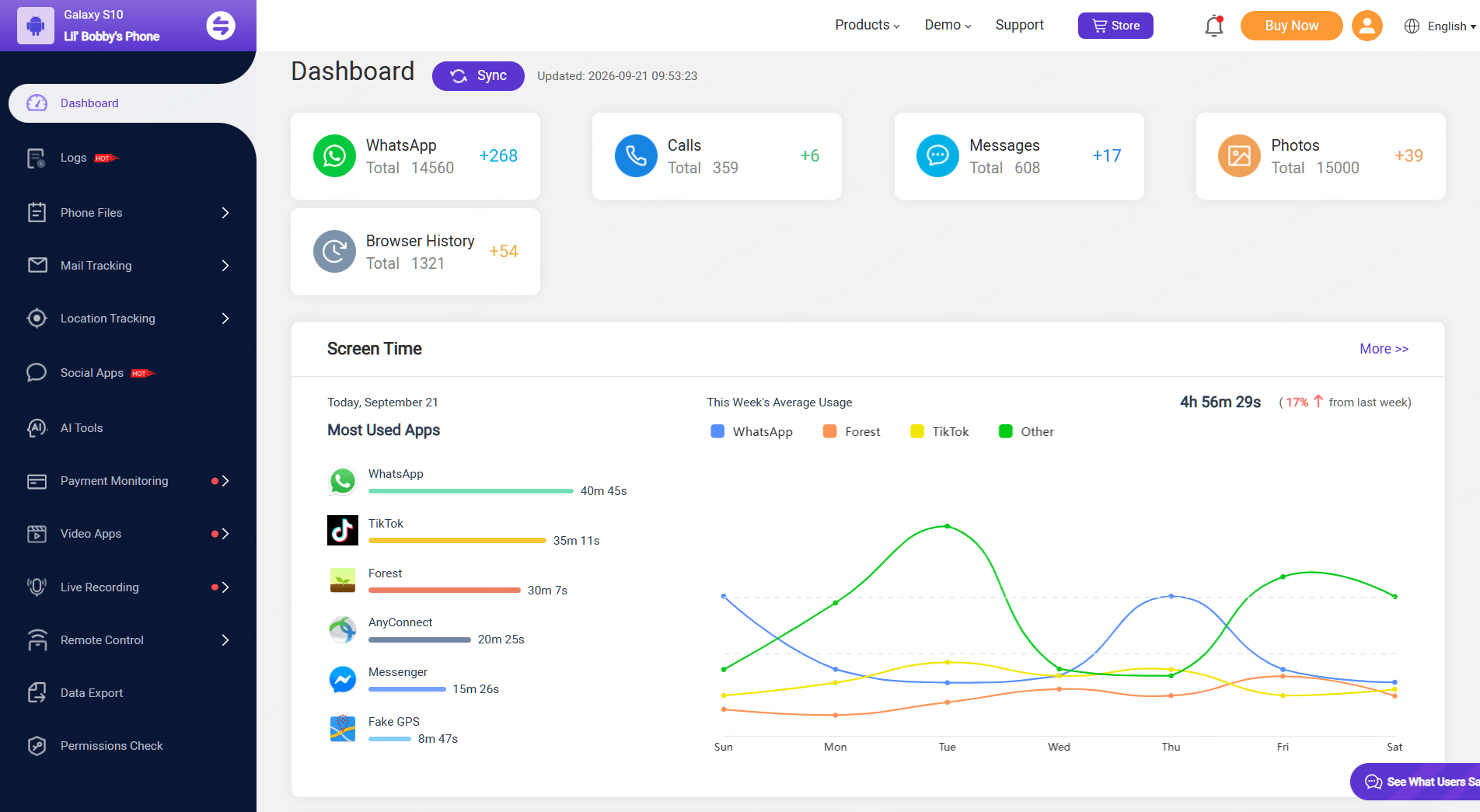
Yes. Sign in to the web dashboard through a browser on your phone, tablet, or computer to review data that has synced from your child’s device.
Does it monitor every app and activity?
No. Coverage is limited to supported apps and content. Available data and updates depend on compatibility, permissions, device settings, and connectivity. Review the features you need before buying.
How should I discuss monitoring with my child?
Explain what you plan to review and why. Listen to your child’s concerns, agree on boundaries, and adjust your approach as they grow. Use insights to start conversations and build responsible habits together.
Choose Your MoniMaster Pro Plan for Android
Make room for independence, with insights that help you stay involved. Find the MoniMaster Pro plan that fits your family.




 SMS Tracker
  Phone Call Tracker
  WhatsApp Tracker
  Browser History
  Phone Location Tracker
  Call Recorder
  Keylogger for Windows


 Start with a conversation



Get All Popular Social Media Data